Self-hosted enterprise print management.
HiFi Print replaces GPO printer deployment and Windows print servers with a central server that pushes drivers, creates printer queues directly on endpoints, and keeps them reconciled. Nothing leaves your network.
What the platform does
Central deployment, endpoint-level visibility, and a security model designed for internal networks.
Printer push and removal
Push a driver and printer queue to online endpoints from the console. Removal is offline-safe and cleans the queue, the port, and unused drivers.
Endpoint visibility
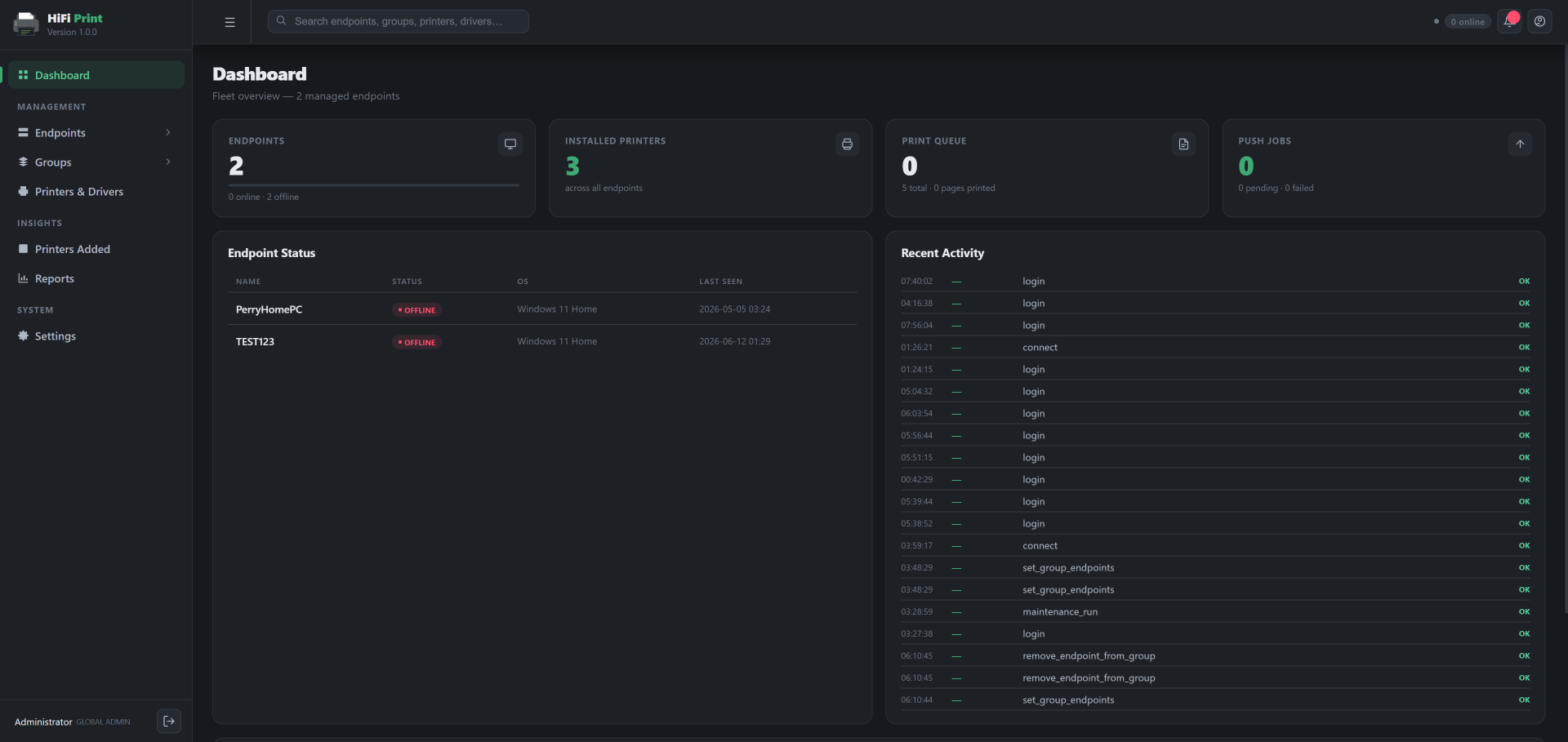
Online/offline state, OS, agent version, installed printers, and the current print queue for every enrolled endpoint.
Per-endpoint mTLS
Agents enroll with one-time tokens and receive per-endpoint certificates from the internal CA. Custom TLS certificates can be uploaded for the console.
VDI and golden image
Per-clone certificates, identity stripping with an imaging hold, a dormant GOLDEN_IMAGE install mode, driver pre-staging, and rules that match the connected thin client.
Driver library with INF analysis
Every INF in a package is parsed and scored, and the model list is extracted from the package, so the correct spooler driver name is selected.
TOTP, AD/LDAP and RBAC
Two-factor authentication, directory sign-in with group-to-role mapping and an optional lockdown mode, role-based access control, and full audit logging.
GPO and print servers vs HiFi Print
A side-by-side of how each model handles the same task.
Four steps to the first deployment
Import the appliance
Import the OVA into VMware, Hyper-V, Proxmox, or VirtualBox. Ubuntu Server 24.04 runs the application and PostgreSQL under Docker Compose.
Run the console wizard
On first boot the wizard sets network, hostname, timezone, and the administrator password, then shows the console address to sign in to.
Enroll endpoints
Install the agent MSI via GPO, Intune, SCCM, or your RMM with a one-time enrollment token. Each endpoint receives its own mTLS certificate.
Upload drivers and assign printers
Add driver packages to the central library, define printer profiles, and assign them to groups, individual endpoints, or hostname rules.
Try it in your own environment
The 14-day trial covers 10 endpoints with full functionality. No phone-home, no credit card.